
The mobile operations app
Incep Platform includes Incep Commerce, a mobile operations app for running a store from a phone. It is a companion to the admin, not a replacement: product creation, the page builder, theming, and marketing configuration all stay on the web.
What the app is for
The app is built for day to day operations: checking new orders, advancing order status, adjusting stock, looking up customers, watching analytics, and receiving push notifications when something needs attention.
Connecting to your store
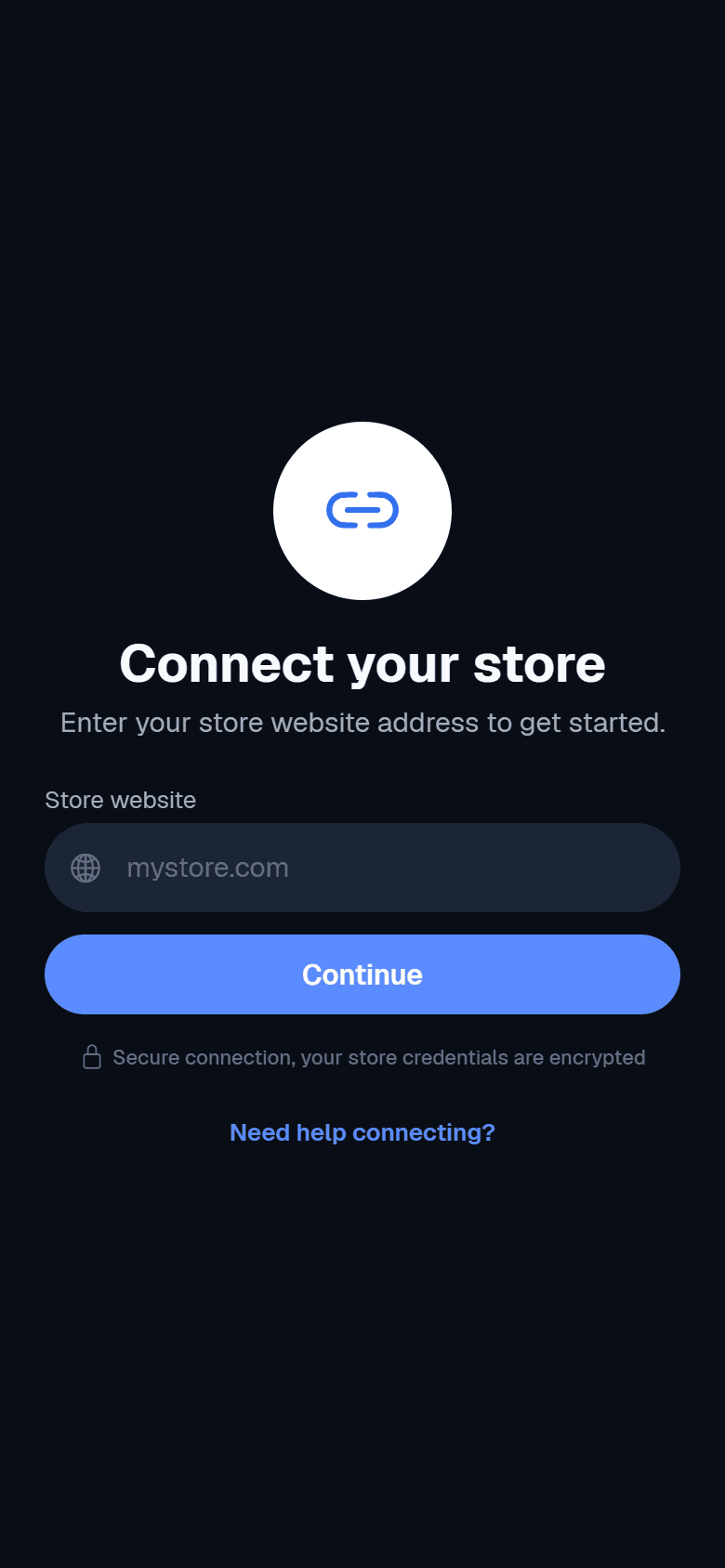
One app works for any store. On first run you enter your store website URL, then sign in, in the same way the WordPress or GitLab mobile apps connect to a site.
- 1Open the app and read the short welcome.
- 2Enter your store website address on the connect screen.
- 3Sign in with a super admin or client admin account. Customer accounts cannot sign in.
What you can do
- Dashboard
- Key store stats at a glance.
- Orders
- List and open orders, advance status, add tracking, refund, and view the timeline.
- Products
- Browse the catalog and adjust stock.
- Customers
- Look up customers and their history.
- Search
- Global search across orders, products, and customers.
- Analytics
- Store performance metrics.
- Notifications
- An in app feed with per type settings.
Order actions run through the same order service the web admin uses, so an update on the phone behaves exactly like the same update on the web. Every order action is written to the timeline you see in both places.
Offline support and push
The app keeps data for offline viewing and queues actions while disconnected, showing an offline banner until the connection returns. Push notifications alert staff to new orders and other events, and work in standalone builds once mobile push credentials are configured.